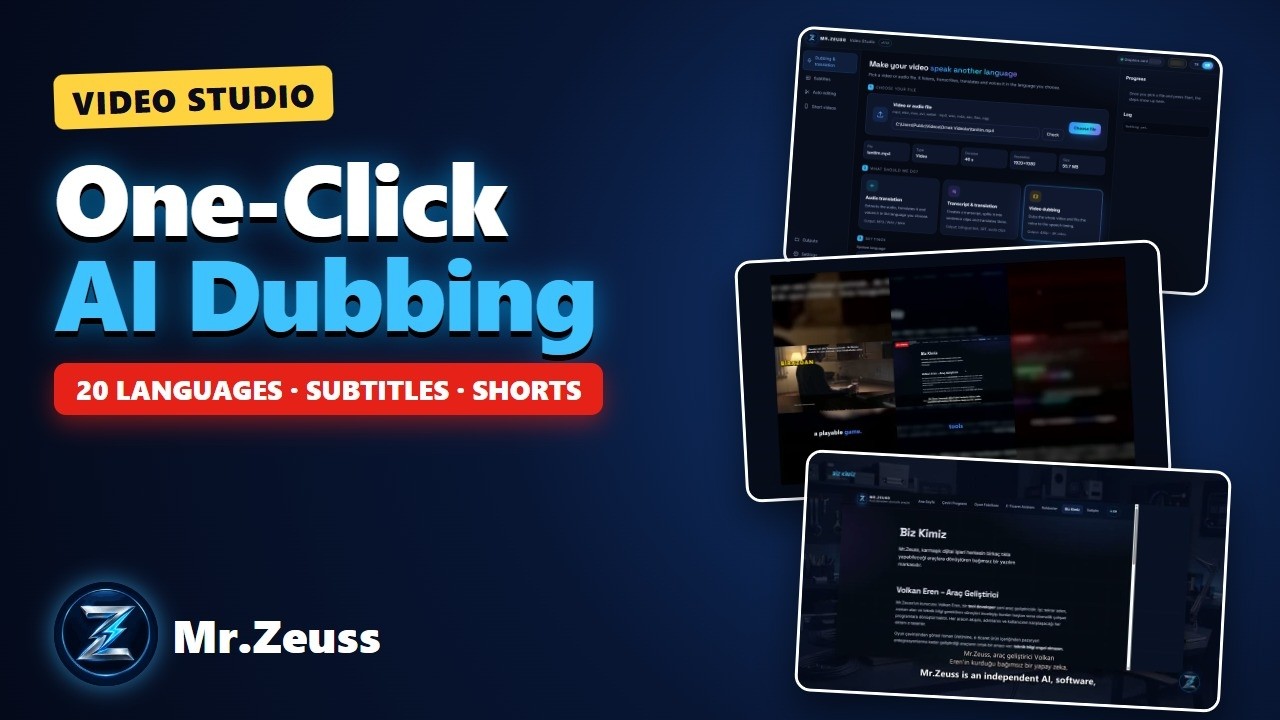
Make your video speak another language, add subtitles, edit automatically and turn long videos into shorts — in one app.
What it does
- Dubbing and translation: listens to a video or audio file, transcribes it, translates it into one of 20 languages and voices it, timed to the original. Music and effects are kept. Output from 480p up to 4K.
- Subtitles: automatic subtitles, optionally translated or bilingual. Get an SRT file or burn them in — classic, boxed or word-by-word highlight style.
- Auto editing: cuts silences and pauses, adds intro, outro, logo/watermark and background music that ducks when someone speaks, and balances loudness for YouTube.
- Short videos: picks the best moments of a long video and makes 9:16 vertical Shorts / Reels / TikTok videos with titles and subtitles.
- Transcript: bilingual transcript plus original and translated audio clips, sentence by sentence.
How it works
Speech recognition, voice generation and video processing run on your own computer — your videos are never uploaded. It is several times faster on NVIDIA graphics cards. AI translation is included in your license (Mr.Zeuss Cloud), and you can also use your own OpenRouter, Venice or ElevenLabs key. “Try 1 minute first” shows you the result without waiting for the whole video.